Access keys are security credentials that are required by apps to access S3 storage via S3 gateway.
- List access keys
- Create an access key
- Delete an access key
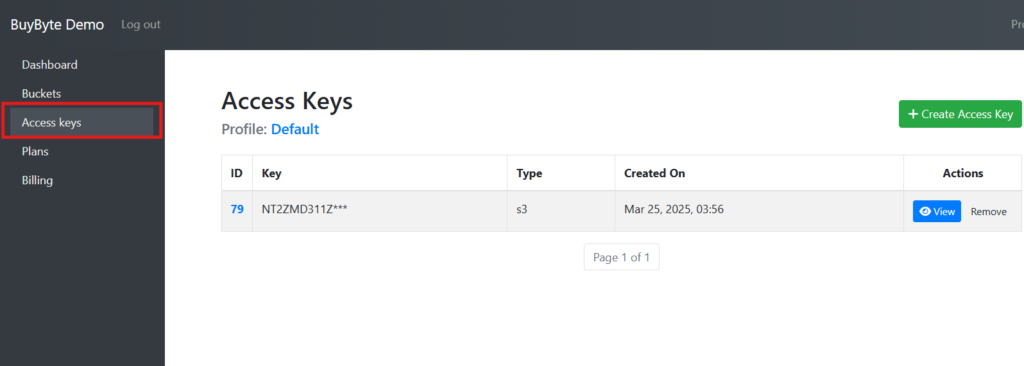
List access keys #
To view all access keys linked to your account, click “Access keys” in the left side pane:
Create an access key #
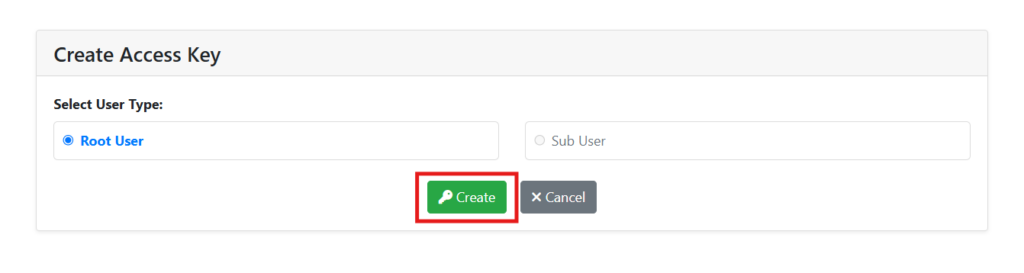
To generate a new key pair (Access Key ID & Secret Key) click a “Create Access key” button:

Choose whether the user that will use this key pair will be a root user or a sub-user within the hierarchy and click “Create”:
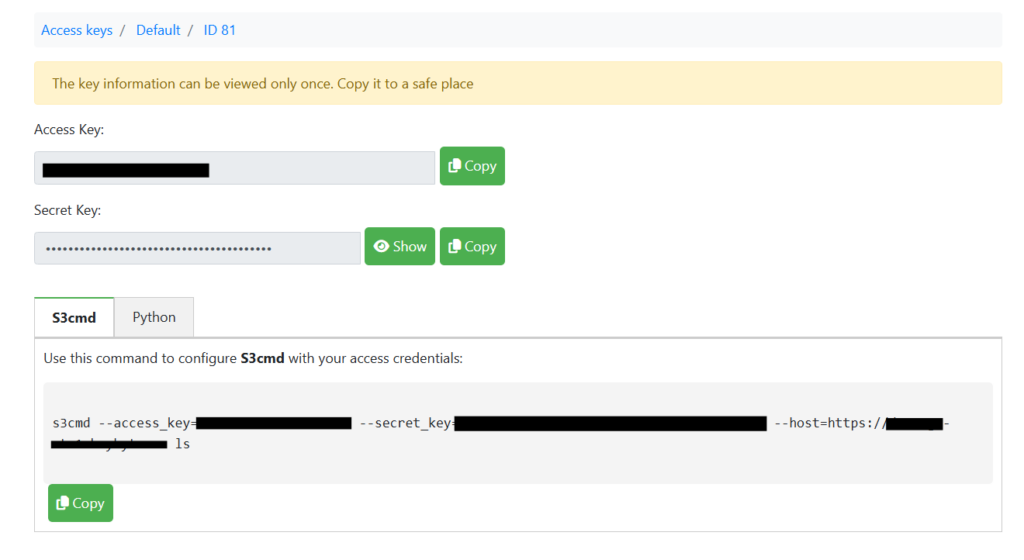
After that, a new key pair is generate and displayed.
Please, note: a new key pair details will be shown only once. Copy it and keep it safe. If it is lost, you can simply create a new key pair.
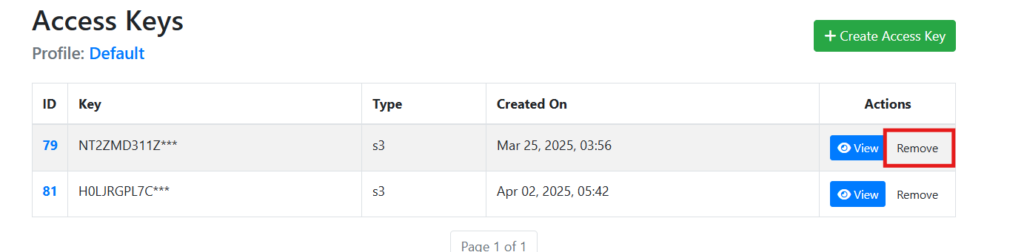
Delete an access key #
You can revoke a key when it is no longer needed or for security purposes. To do so, click “Remove” button opposite the key that you wish to delete: